Build for
every screen.
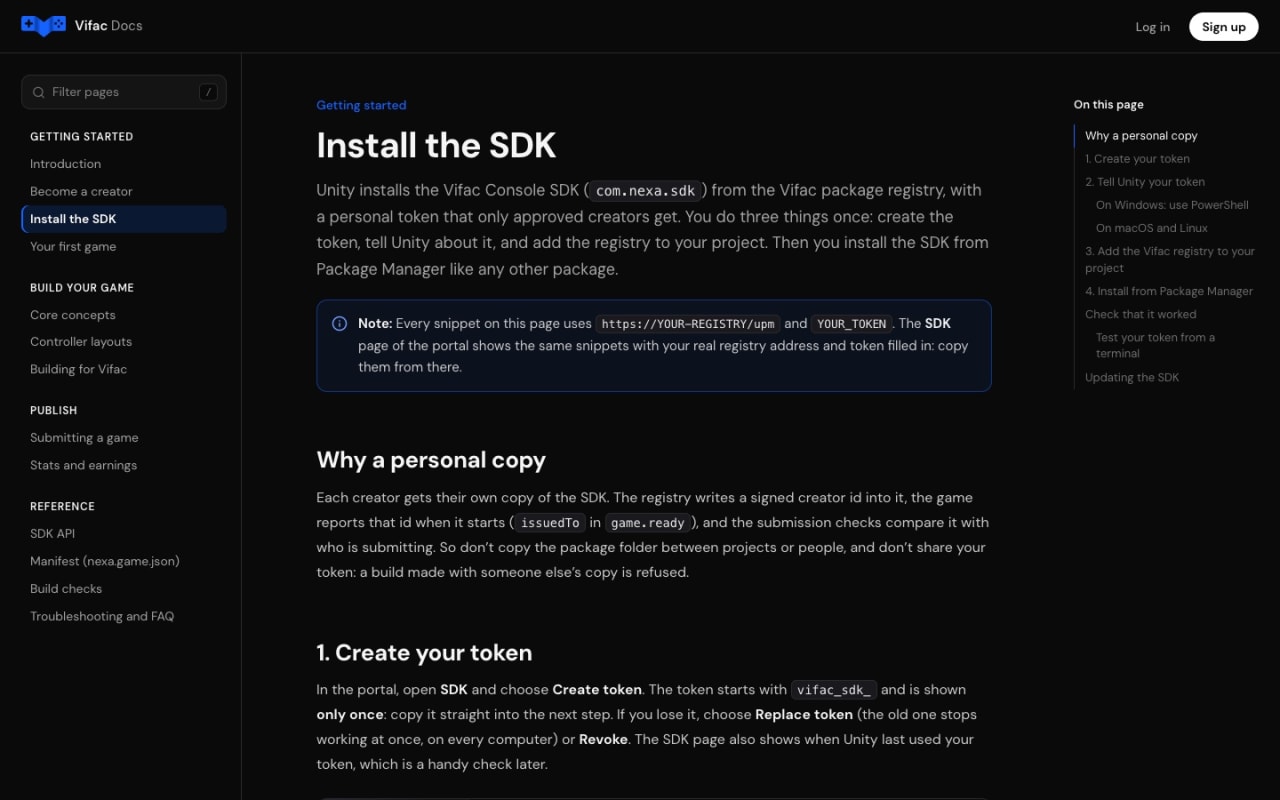
On Vifac the TV or PC is the console and every phone in the room is a controller. Add our SDK to your Unity game and it becomes a Vifac game: we check it, play it and put it in front of players, and you earn for the time they spend playing.
- Unity 2021.3 or newer
- Free to join
- Paid in US dollars
One screen.
Every phone a controller.
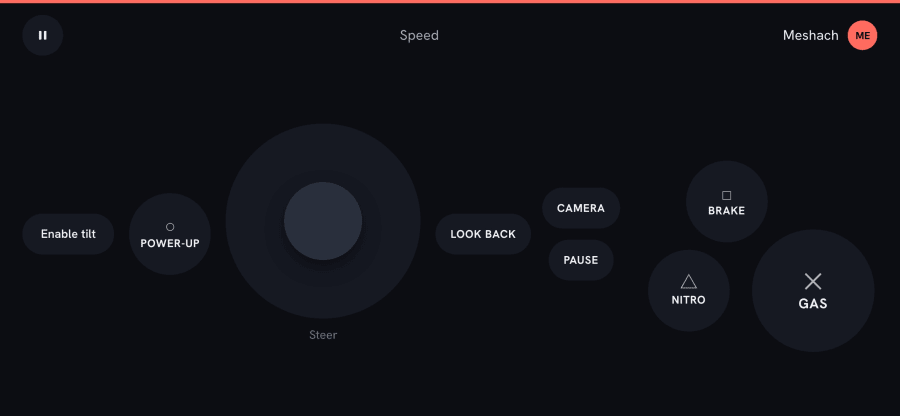
Nobody buys a gamepad or installs an app. Your game runs on the big screen; the phones in the room send it what players press. Every creator game is in Vifac Plus, on TVs, PCs and phones.
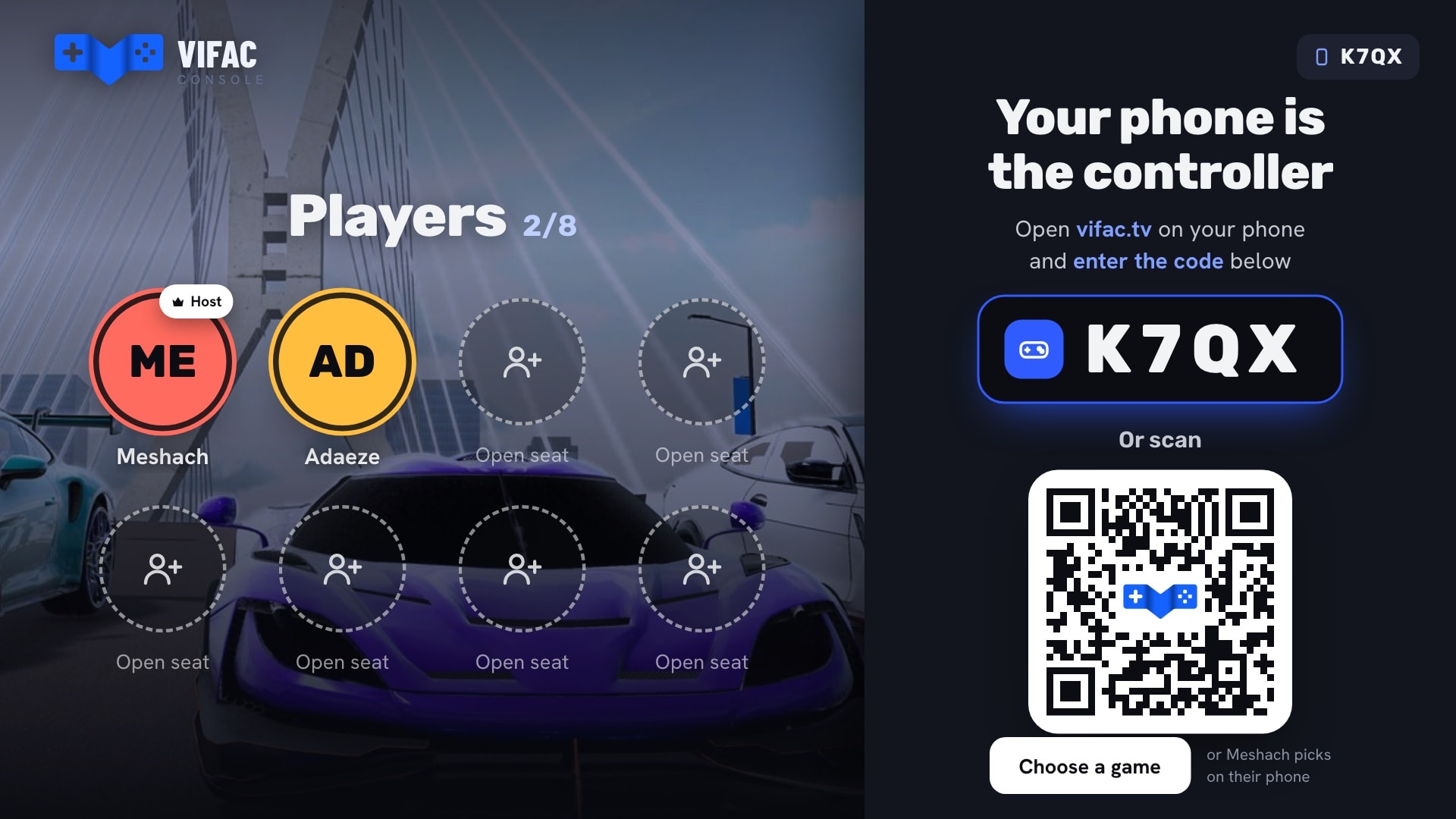
The screen shows a room code
A smart TV, a PC or a laptop opens Vifac and shows a code and a QR. That screen is the console, and it runs your game.
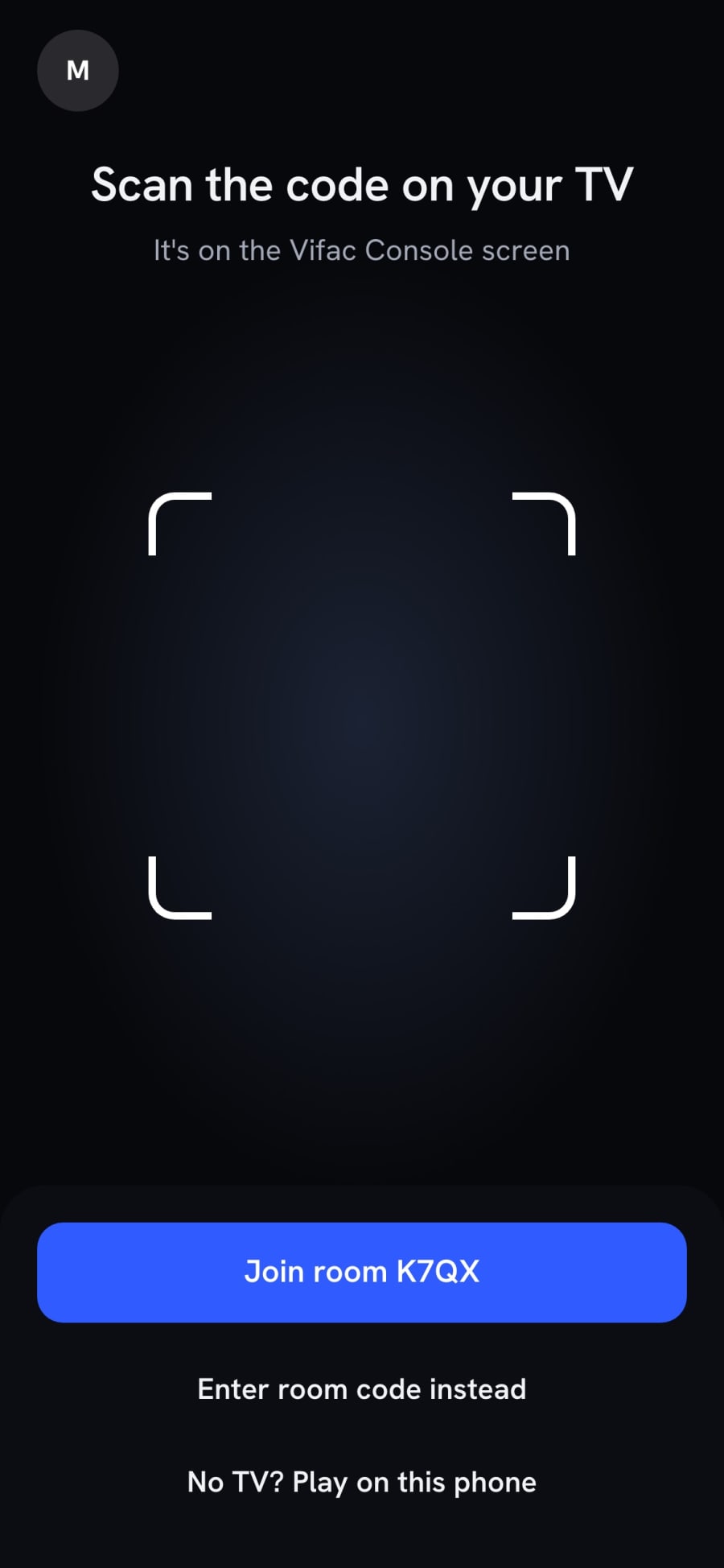
Phones join and become controllers
Up to 8 players scan or type the code. Each phone draws the controls your game asks for, and people can join and leave at any time.
Or solo, on just a phone
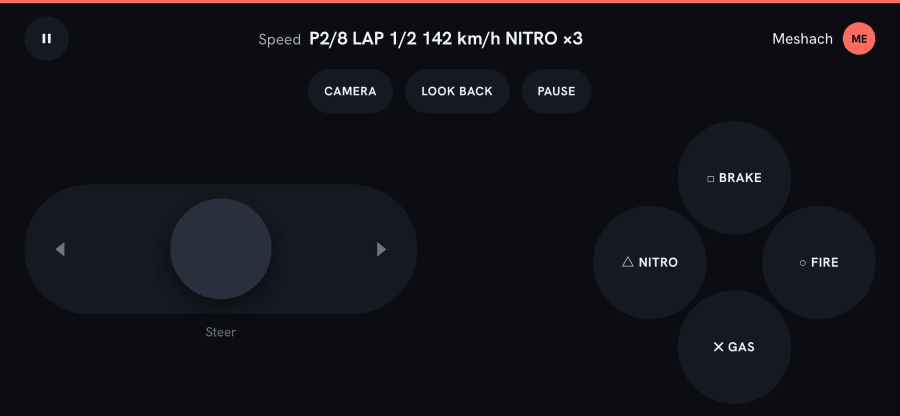
No TV? The game runs on the phone itself with a see-through pad over it. Vifac loads your phone build when you have one.

Everything between your game
and the living room.
A Unity SDK with a simulator
Install it from the Vifac package registry. It handles players, phone input and saves. In Play mode a simulator stands in for the TV and the phones, so you can test without either.
One game for every screen
One version, up to three builds: a PC build, plus a lighter phone build and a TV build when you want them.
Phone controls you define
Describe the controller in your manifest: buttons, joysticks, d-pads, tilt and live displays. Switch layouts as the game moves on.
Saves, built in
Save the room and each player. Vifac keeps the latest save and hands it back when the game starts again.
Automatic checks and a boot test
Every build is scanned and started in a browser set up like a PC, a phone or a TV. Each check passes, warns or fails, with how to fix it.
A human review and play test
Before release, someone at Vifac plays your game on a TV, a phone and a PC with several players, and tells you what to change if anything.
A dashboard for your games
Play time, players, views → plays, where people play and your earnings by month, from Vifac’s own records of play.
Five steps to
the living room.
Step 1: Sign up
Create your developer account and tell us a little about you and what you make. About two minutes. You must be 18 or older.
Step 2: Get approved
Someone at Vifac reviews your profile, usually within 3 working days. We email you when there is a decision.
Step 3: Install the SDK
Create your personal token and add the Vifac Console SDK to Unity from our package registry.
Step 4: Build and submit
Make your WebGL builds, fill in the store page with a cover, trailer and screenshots, and send it. Every build is checked automatically.
Step 5: Released on Vifac
We play it on real screens, set the age rating and release it. Your dashboard starts filling with play time and players.
Paid for the time
people play.
Creator games are part of Vifac Plus, the subscription players already pay for. Developers are paid a share of subscription revenue, split by how long people play their games, monthly, in US dollars.
- Play time is measured by Vifac from what players do on their controllers, never from anything a game reports
- Your own play on your own games doesn’t count
- Earnings are worked out when each month closes and shown by game in your dashboard
- No ads or purchases to build: players already have Plus
An illustration, not real figures. The details are in the creator agreement, and confirmed with you before your first payout.
No. Signing up, the SDK, the build checks and the review are all free.
Unity 2021.3 or newer (Unity 6 works), with a WebGL build (called “Web” in Unity 6). Other engines aren’t supported yet. The docs have the exact build settings.
You do. You keep ownership of your game; Vifac reviews it and publishes it on the platform.
Approval of your developer profile usually comes within 3 working days. After that, each game, and each new version, is reviewed and played by Vifac before release. We email you when review starts and when there is a decision.
Yes. An update is a new version with a higher version number, and it goes through the same checks and review. Each version number is used only once, so a released version is never overwritten.
No. The SDK’s simulator stands in for the TV and the phones inside the Unity Editor. Vifac tests your game on a real TV, phone and PC during review.
Vifac measures active play from what players do on their controllers, so a phone left on the sofa doesn’t keep counting. Your own play on your own games doesn’t count toward stats or earnings.
No. Vifac games have no ads, nothing to buy and no outside servers or accounts. You are paid from the subscription instead.
Anyone 18 or older, solo or as a studio. Your developer account is separate from a player account, even with the same email.
Make your game
a Vifac game.
Read how it works, or sign up now. We usually review new developers within 3 working days.